

Demand, availability history, and Calendar Estimate
Purchase Planner combines WooCommerce sales evidence with known availability evidence to estimate demand. This matters because a product that could not be bought during a stockout should not automatically be interpreted as having zero demand.
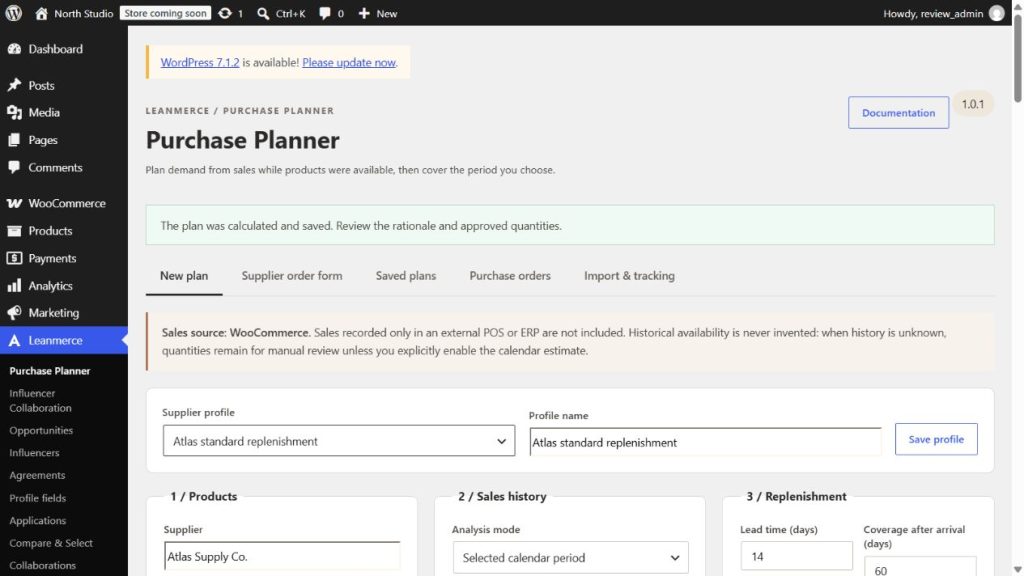
How to read the evidence
- Sales evidence comes from eligible WooCommerce order items in the selected period and scope.
- Availability evidence separates known available, out-of-stock, backorder, blocked, and unknown time.
- Units/day is the demand rate used by the calculation. Its basis is shown in the row details.
- Observed-history maturity indicates whether enough reliable availability time exists to use an availability-aware rate. A tiny known window beside a long unknown period remains bootstrap-quality.
Why stockouts distort simple averages
A calendar average divides sales across the whole period, including days when the product may not have been available to sell. That can understate demand. Availability-aware demand uses reliable observed time when the history is mature enough; it does not invent a correction for unknown time.
Calendar Estimate
Enable Allow a calendar-based estimate when availability history is unknown when you need an explicit bootstrap estimate and understand its limitation. The planner may then use sales across the selected calendar period and marks the result not corrected for stockouts. That label means the rate may include days when stock was unavailable or unknown.
Calendar Estimate is appropriate for a recently installed site when a reviewed calendar sales rate is more useful than leaving every row manual. It is intentionally unavailable when filtered price-period modes would make the fallback misleading. In that case, use all price periods, import verified history, wait for more observations, or set a reviewed quantity manually.
Older bounded sales fallback
The older-history option looks for a usable sales rate only when the primary period has none. It does not rewrite the primary period, convert unknown availability into known availability, or override the need to review warnings.
What to do with each result
- Availability-aware row: review the known-history duration, units/day, incoming supply, and supplier rules.
- Calendar Estimate row: accept only after reviewing the “not corrected for stockouts” warning.
- Older-history fallback row: confirm the older period still represents current demand.
- Manual/insufficient row: import verified evidence, wait for observation, adjust the planning choice, or enter a reviewed quantity. Do not treat a blank automatic proposal as zero demand.
Verify a planning choice
Calculate the same narrow scope with Calendar Estimate disabled and enabled. The enabled result must retain the warning; a low-evidence result without the estimate must remain manual rather than receiving an invented rate.
Related: Stock safety and first tracking and Create and review a purchase plan.