

Create and manage Opportunities
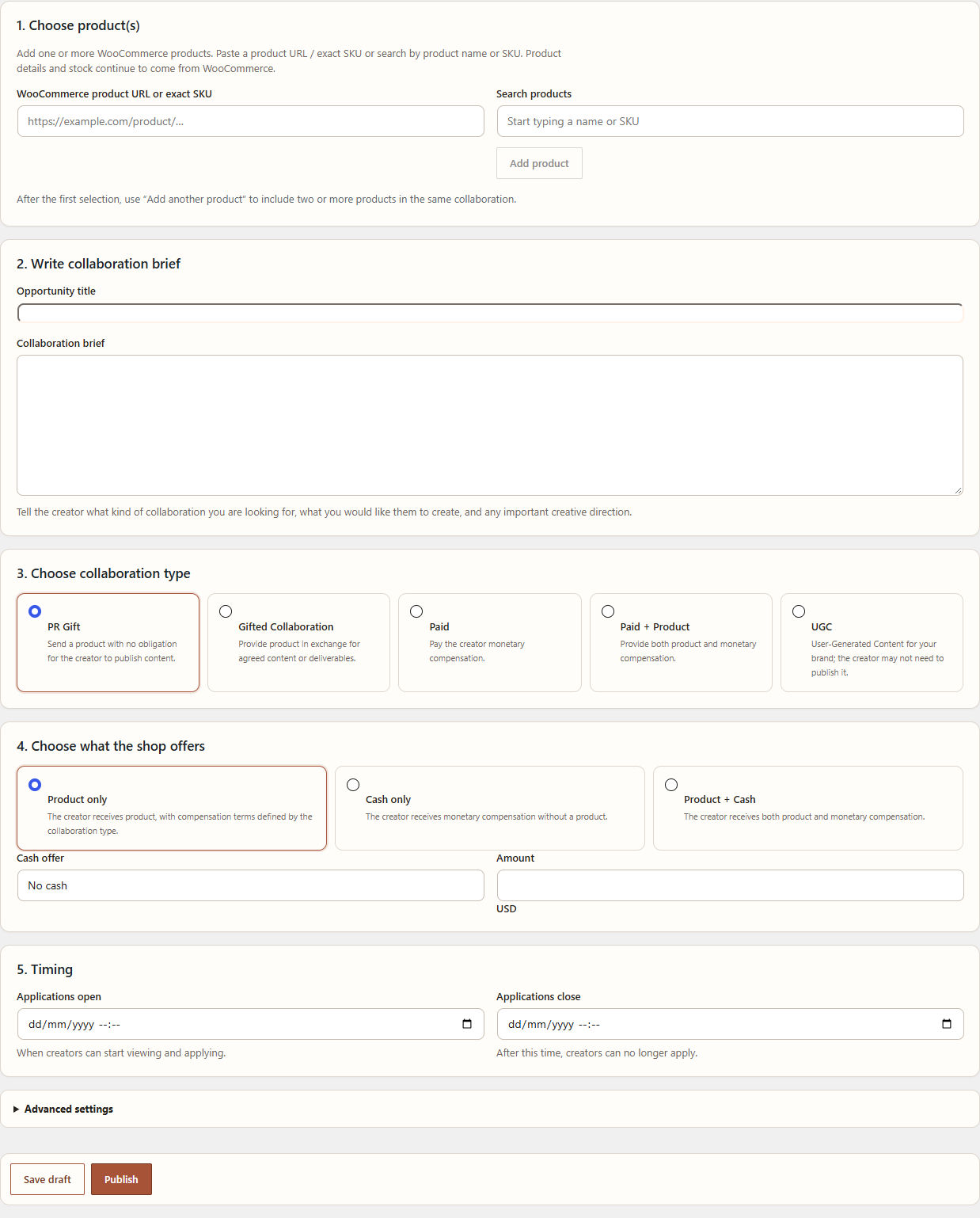
An Opportunity is the merchant-controlled invitation to apply. It is not a creator ranking or a completed agreement.
Navigation
Open WordPress Admin → Leanmerce → Opportunities, then choose Create Opportunity.
Create the Opportunity
- Enter a clear title and creator-facing summary. For the neutral walkthrough, use City Essentials Launch.
- Choose the collaboration type. The demo uses Gifted Collaboration.
- Set the application window.
- Choose the proposal style: Open proposal, Requested deliverables or Hybrid.
- Add requested deliverables or creator-facing questions where the selected style requires them.
- Set the maximum creators to select, or leave it empty when no maximum applies.
- Save as Draft and reopen it before publication.
Status meaning
- Draft: not published.
- Open: visible to eligible creators and accepting applications.
- Paused: temporarily not accepting applications.
- Closed: applications have ended.
- Archived: retained as historical or inactive.
Verify
Reopen the saved Opportunity and confirm title, type, proposal style, dates, questions, deliverables and internal notes. Open it only after the creator-facing content is complete.
Recovery
If Open is unavailable, correct the missing required fields shown by the form. If creators cannot see an open Opportunity, inspect country/platform eligibility, profile approval and application dates with Diagnostics.
Related documentation
See Products, eligibility and application settings and Find and apply to Opportunities.