

Join and set up your creator profile
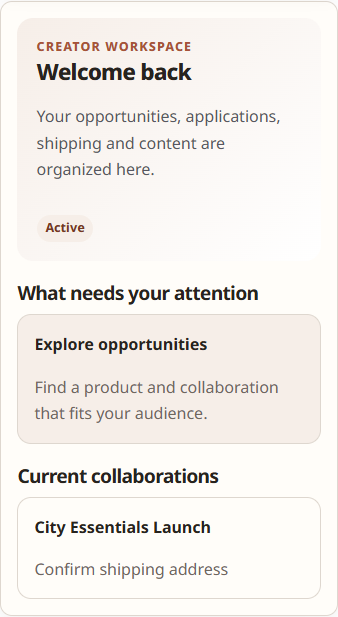
Creators use the existing WooCommerce account; no separate unrelated portal account is required.
Join the program
- Sign in to the store’s My Account area.
- Open Influencer Program.
- If the program is invite-only, open the merchant invitation while signed in to the invited email account.
- Complete the required onboarding fields. Use the preferred name the merchant should see and a concise description of your creator work.
- Choose Apply to join.
Enrollment states
- Incomplete: required profile setup is not finished.
- Pending approval: the merchant has not yet approved the application.
- Active: the creator workspace is available.
- Suspended or Blocked: Influencer Program access is unavailable, but normal My Account and orders remain available.
Complete your profile
After activation, open the Profile area in Influencer Program. Keep creator-facing information accurate and avoid placing private identity or payment details in free-text biography fields.
Verify
An active creator should see workspace navigation for profile, opportunities/applications and collaborations. A pending creator should see the review state, not merchant-only data.
Recovery
If an invitation is rejected, confirm you are signed in with the exact invited email and that the invitation has not expired or already been used. Contact the merchant through its normal support channel rather than creating duplicate accounts.
Related documentation
See Social accounts and analytics evidence and Find and apply to Opportunities.