

Review creator content
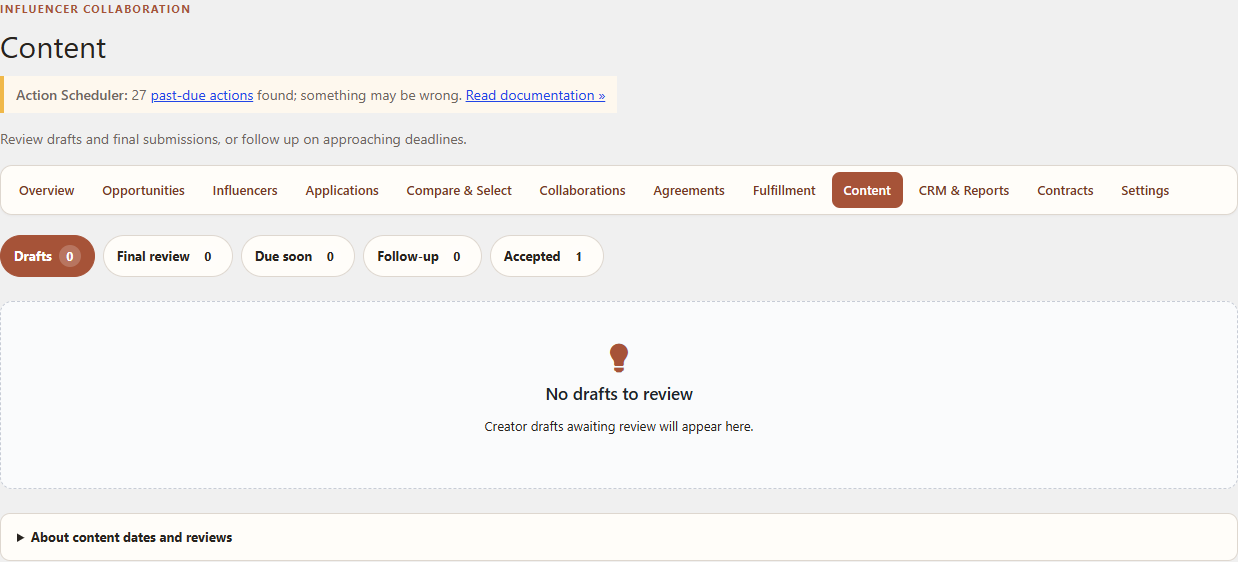
The Content workspace tracks agreed deliverables, private file handling, creator submissions and merchant review.
Prerequisites
Use an active Collaboration with accepted terms and content deliverables. Fulfillment state should match the real workflow where product delivery is required.
Start and review content
- Open WordPress Admin → Leanmerce → Content.
- Start the Collaboration’s content workflow when prerequisites are complete.
- Review the expected deliverables and due context.
- When the creator submits content, open the submission.
- Review the file or URL using the protected controls.
- Choose the available factual outcome: accept or request revision.
- Add a useful creator-facing review note when revision is required.
Creator side
The creator uses My Account → Influencer Program → Collaborations to open the deliverable, upload or link content through the allowed input, and submit it for review.
Verify
The submission status and review history update, accepted content appears in the Collaboration history, and private files are not exposed through permanent public URLs.
Recovery
If upload fails, confirm the allowed file type/size and that the Collaboration belongs to the signed-in creator. If a revision is requested, edit or replace the submission through the offered workflow rather than creating an unrelated Collaboration.
Related documentation
See Manage collaborations and submit content and Privacy and private creator data.