

Merchant integration setup
Pro supplies a generic authenticated Inventory REST API. It does not include automatic connectors for any ERP, WMS, POS or accounting vendor. A developer/integration partner must map that system’s data and sequencing to the API.
Create least-privilege credentials
Open Leanmerce > Availability > Inventory > Integrations.
- Enter a descriptive Name.
- Select Read inventory only when the connector must read locations/products/balances.
- Select Write On Hand only when it will own absolute On Hand updates.
- Under Allowed locations, select the minimum required locations. Leaving every location unchecked allows every active location.
- Choose Create credential and copy the token at its one-time display. Store it in the connector’s secret manager; do not put it in articles, tickets or screenshots.
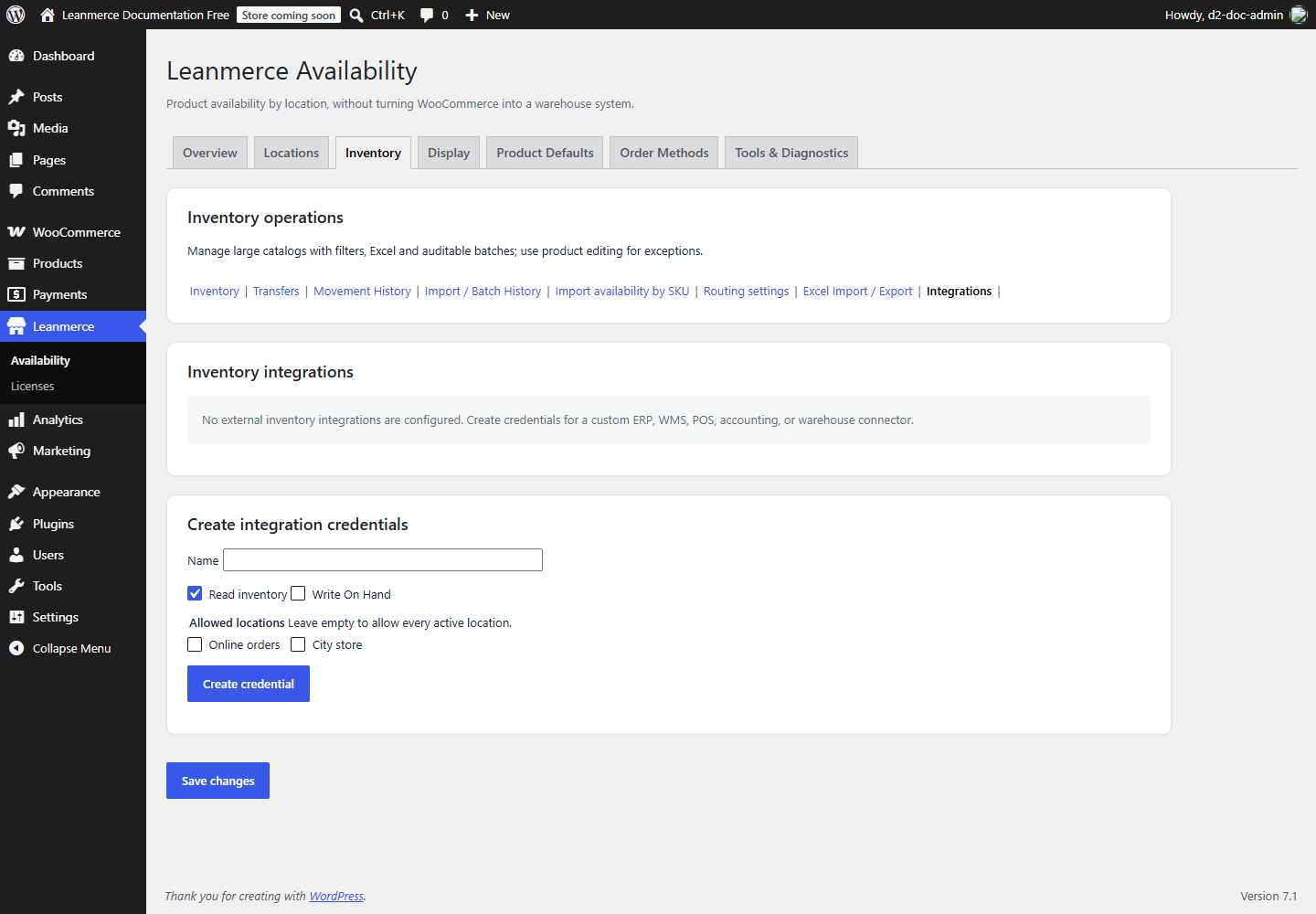
Find real IDs under Leanmerce > Availability > Locations > Advanced; the stable key such as online is the API location ID. Review permissions and allowed locations in the credentials table before handing access to a partner. No selected locations means broad access to every active location, not “no access”.
A read-only credential does not require Inventory Mode merely to list its allowed locations or read available product inventory data. It can still reveal operational inventory within its scope, so protect and revoke it like any secret.
Write synchronization requires more: Inventory Mode must be active for the correct stock owner, authority must be external, and the same integration must be the recorded authority source. Writes set absolute On Hand; they do not add a delta and do not overwrite Reserved.
Give the partner Inventory Integration REST API, the HTTPS site base URL, allowed location IDs, exact SKU ownership rules and an ephemeral test credential through an approved secret channel. Never send the token in a ticket or screenshot.
If the token is lost, it cannot be displayed again: create a replacement with the same least privileges, update the connector, verify it, then revoke the old credential. To revoke, locate the named credential in Integrations, choose Revoke and confirm. Subsequent authentication must return 401. Diagnostics reports configured/active integrations and event counts without exposing tokens.