Bulk Edit and CSV
Bulk Edit selected products
- Open Products > All Products, select two disposable products, choose Edit from Bulk actions, click Apply.
- For each location choose No change, Available, or Unavailable. No change preserves the stored value.
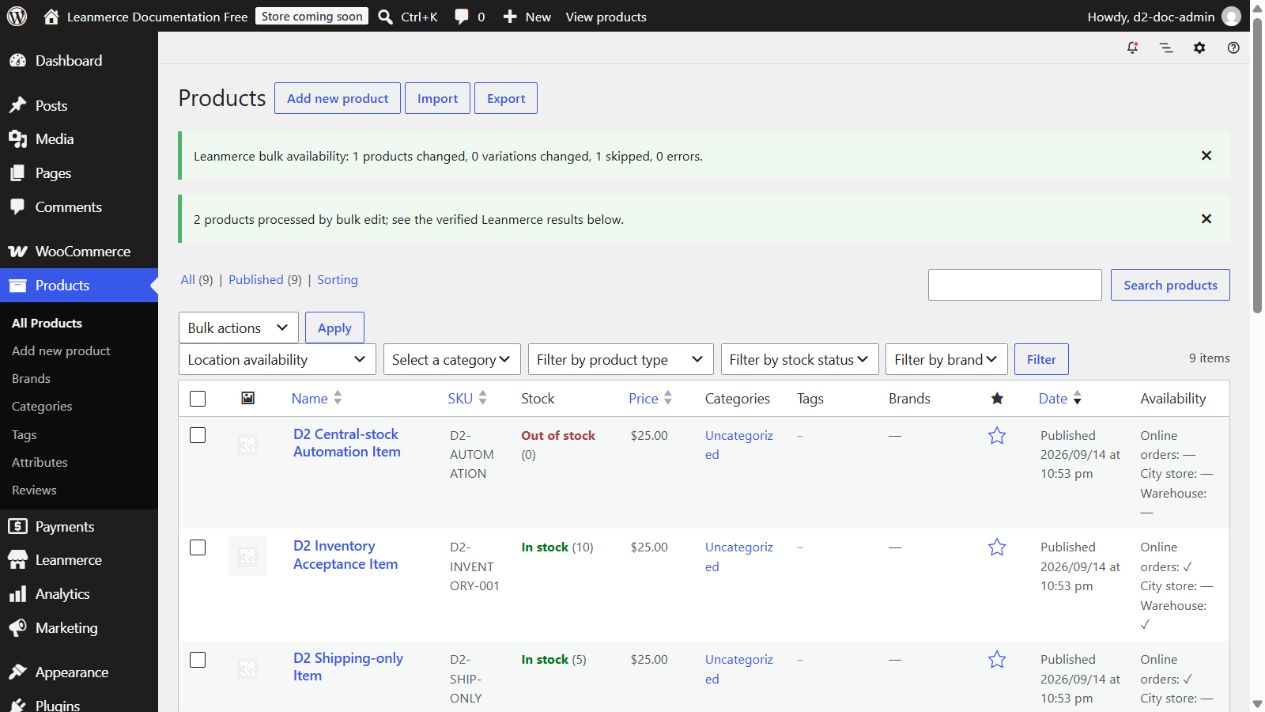
- Click Update. Read counts for products, variations, changed, skipped and errors.
- Reopen both products and verify saved values; then filter the product list by that location.
Native WooCommerce product CSV
Use WooCommerce Products > Export and include Location availability. Minimal value format:
SKU,Location availability
DOC-TOTE-001,online:yes|pickup:no
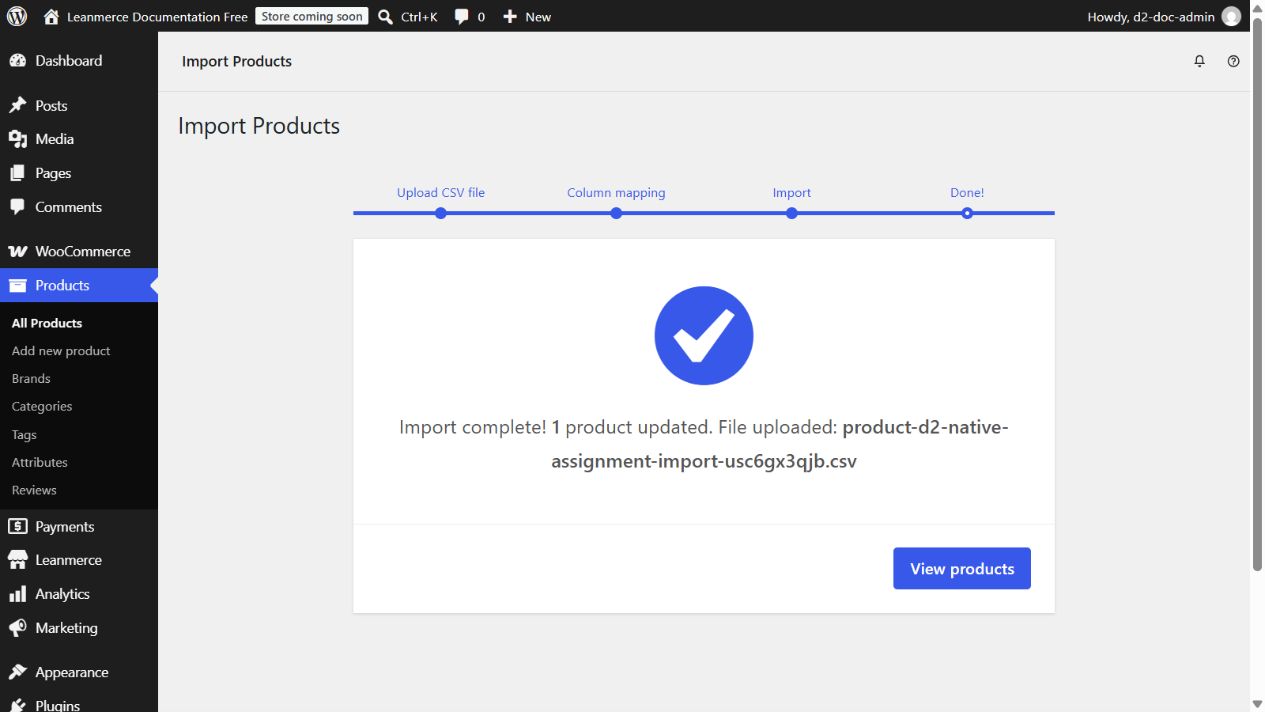
Import through Products > Import, tick Update existing products, upload the CSV, and verify that Location availability maps to the field of the same name. Run the importer, wait for Import complete, then reopen the product. yes saves Available and no saves Unavailable.
Important: the imported field replaces that product’s explicit Leanmerce assignment map. Include every location whose explicit state you must preserve. A known location omitted from the field is removed from the explicit map and then resolves through Product Defaults/inheritance; an unknown location key is ignored. This differs from Import availability by SKU: it is a WooCommerce product CSV field, not a dedicated SKU/location row or matrix importer.