

Order Methods and checkout
- In WooCommerce > Settings > Shipping > Shipping zones, note each enabled method instance. Labels are not identities.
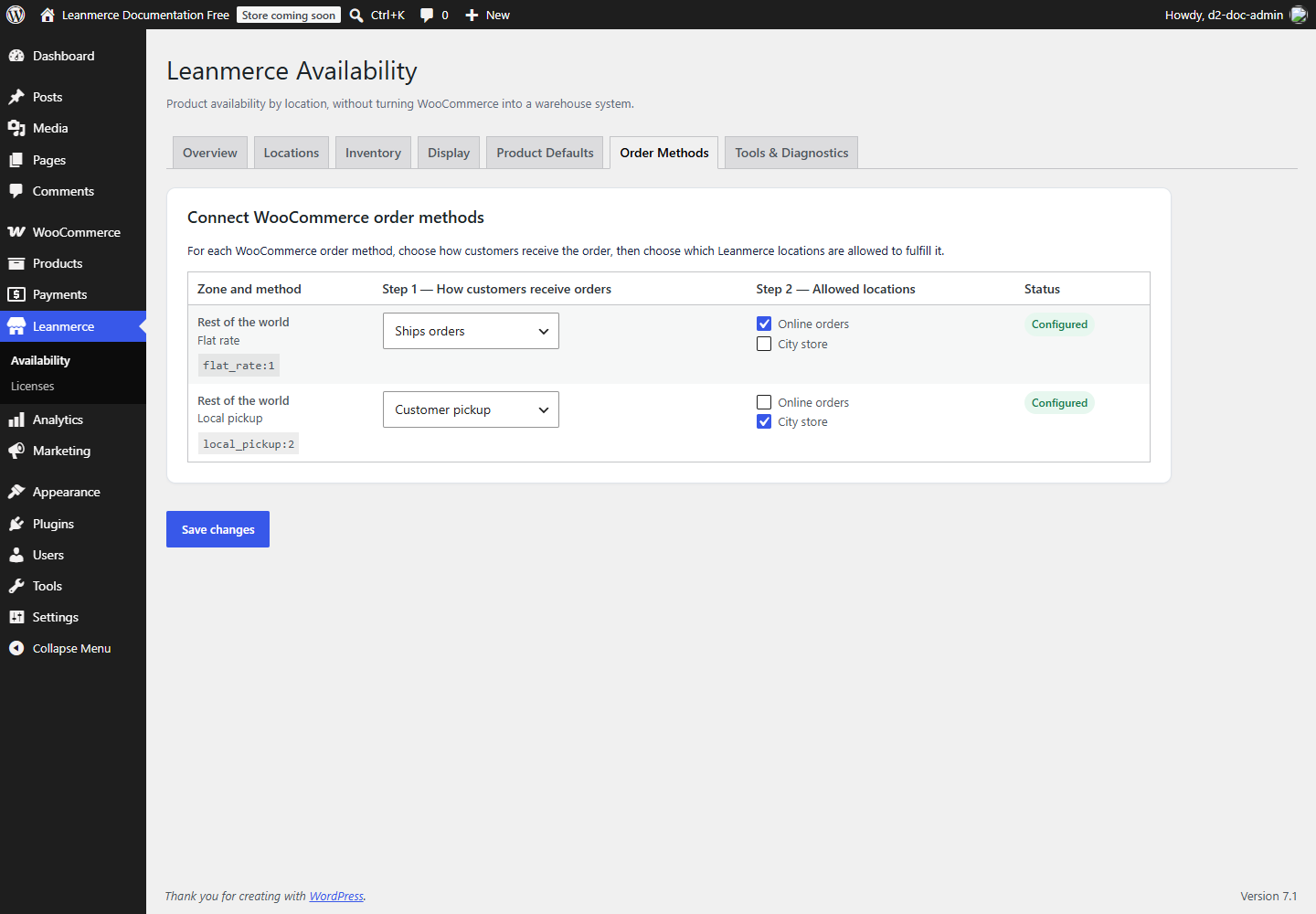
- Open Leanmerce > Availability > Order Methods.
- In the example configuration, set Flat rate (
flat_rate:1) to Ships orders, allowed at Online orders. Add Warehouse later when testing priority fallback. - Set Local pickup (
local_pickup:2) to Customer pickup, allowed only at City store. - Click Save changes; both rows should show Configured.
- Cart test A: use one product that is Available online and Unavailable at pickup. In both the Cart Block and classic cart, verify Flat rate remains available and Local pickup does not.
- Cart test B: use one product that is Available at pickup and Unavailable online. In both carts, verify Local pickup remains available and Flat rate does not.
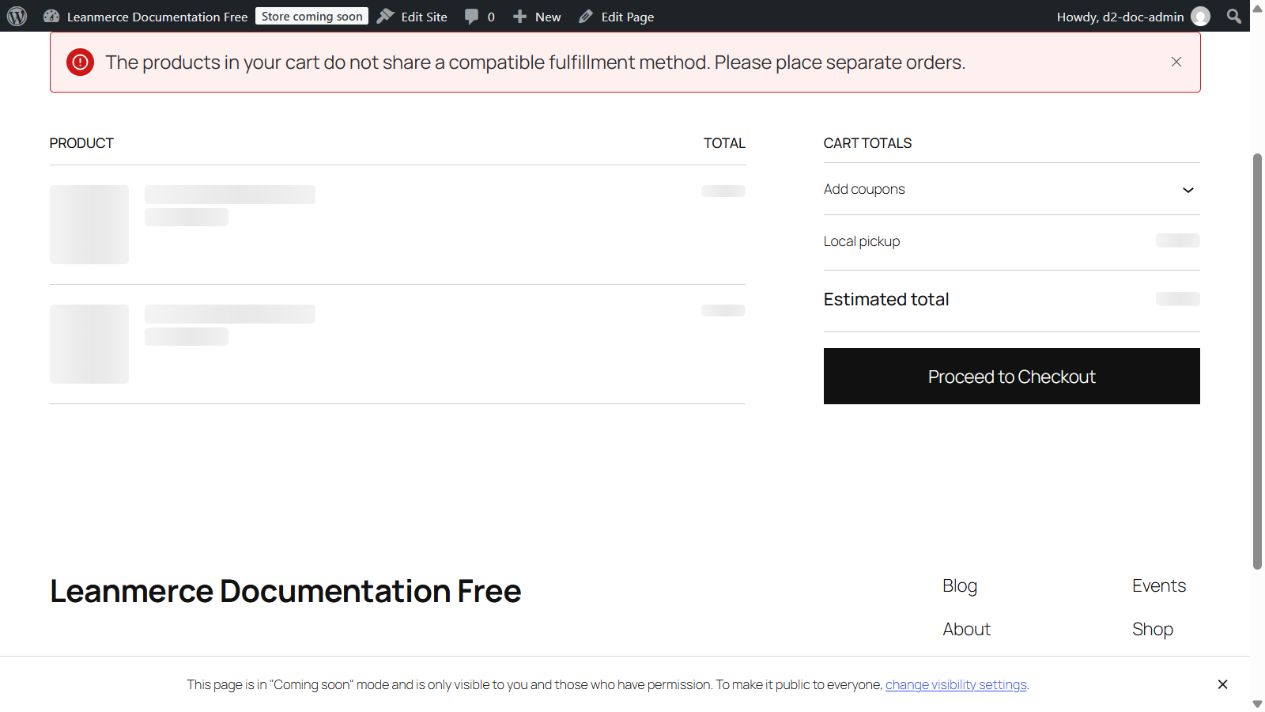
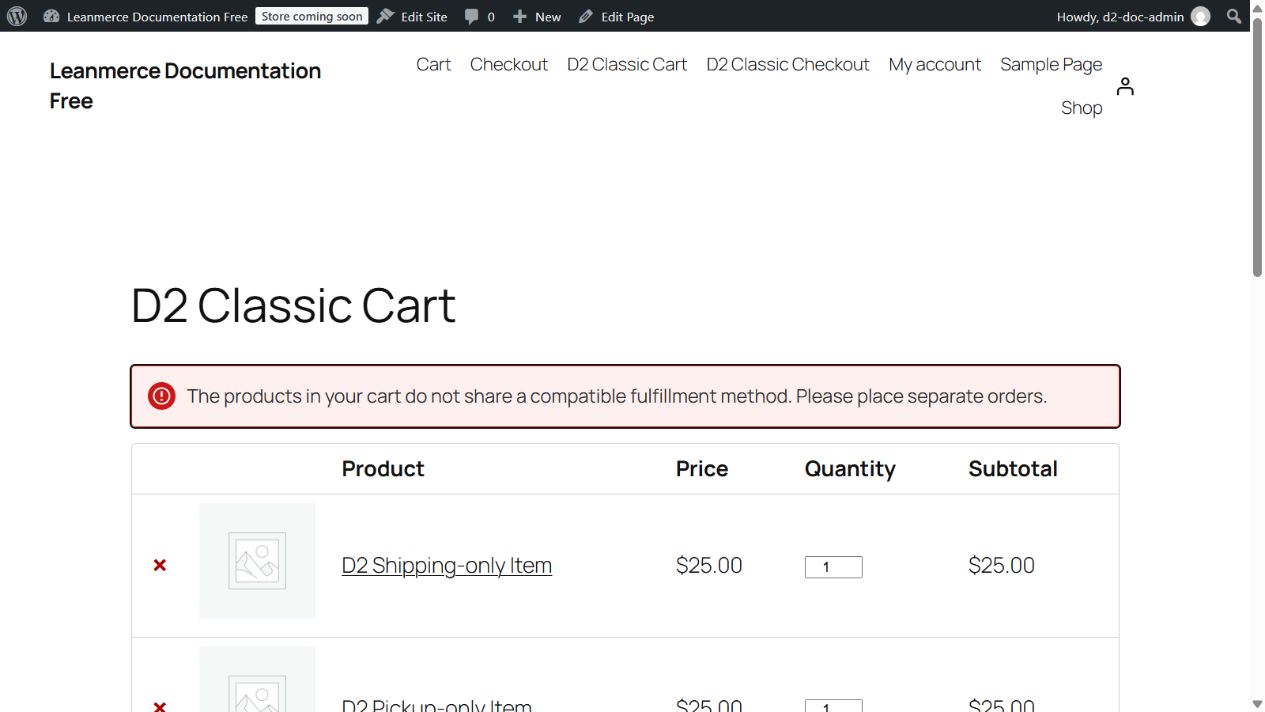
- Cart test C: put the two products together. With no shared fulfillment method, both carts must show: The products in your cart do not share a compatible fulfillment method. Please place separate orders. Do not continue to payment.
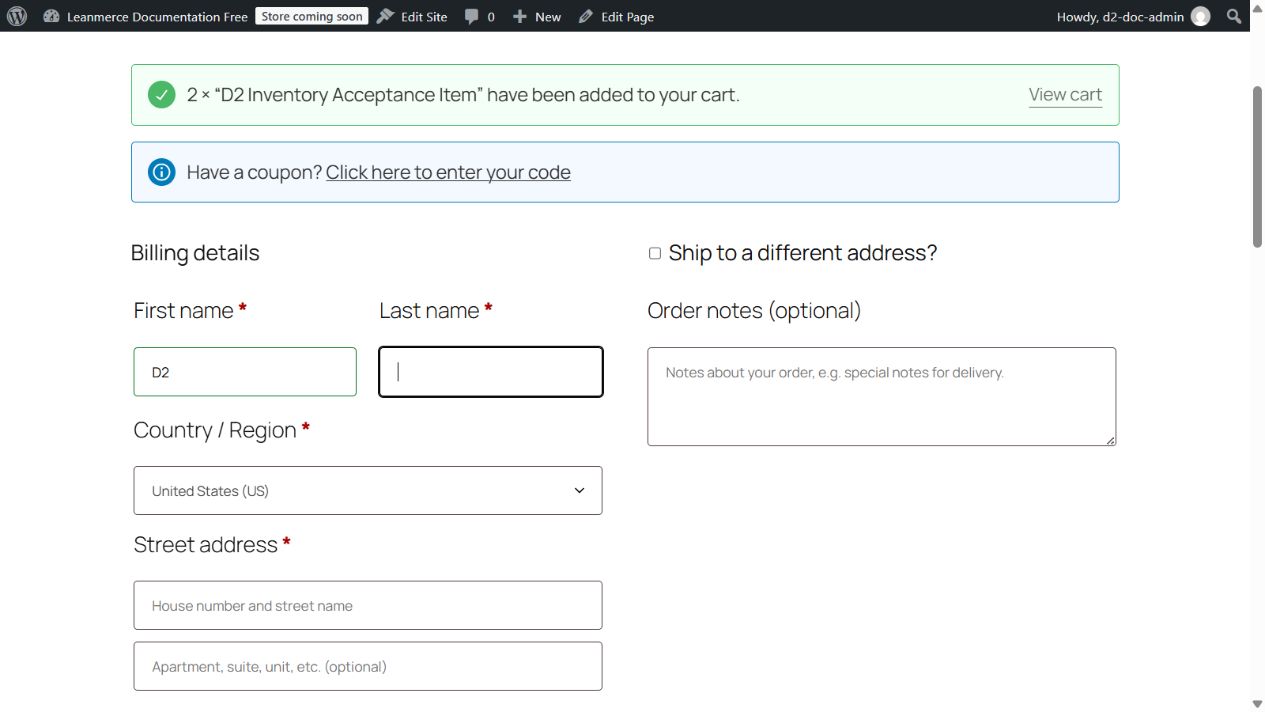
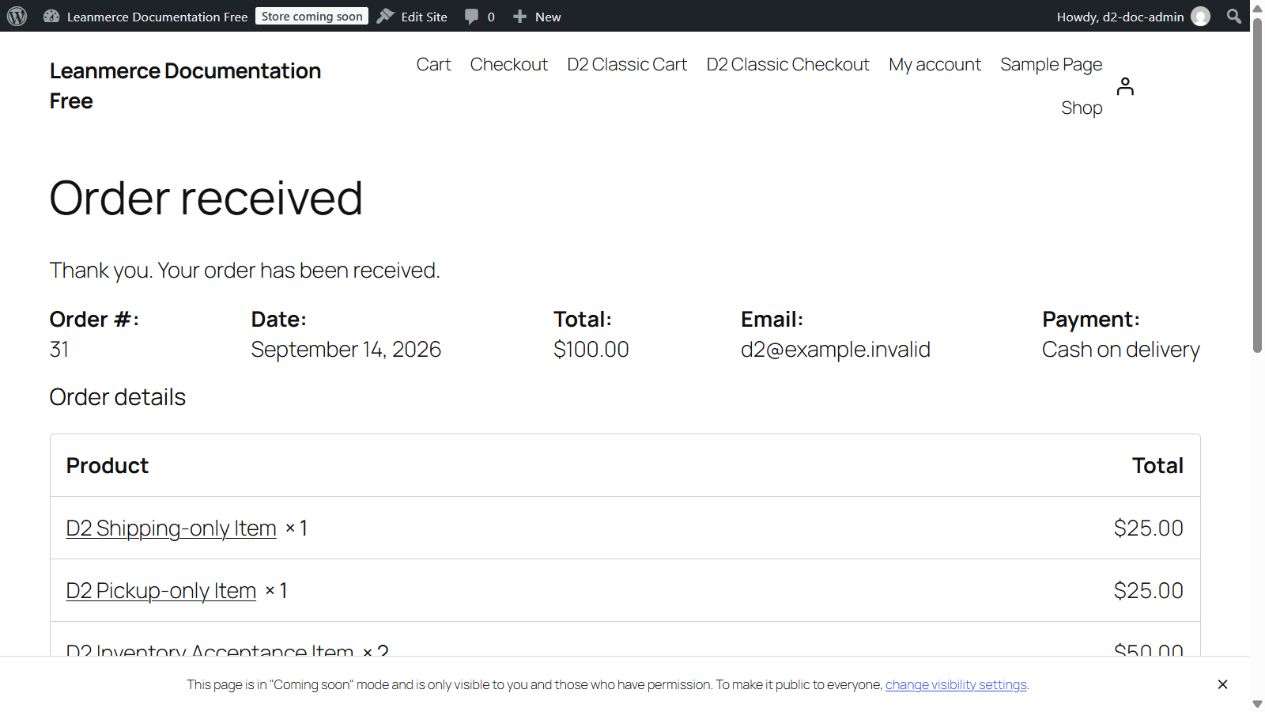
- For a successful classic checkout, use a compatible shippable product, choose Flat rate, enter the required billing fields, and click Place order. The order-received page proves checkout completion. Open the order in WooCommerce and verify its Leanmerce fulfillment location before changing status.
Do not check availability means that method does not narrow fulfillment by location. It is not a bypass of WooCommerce stock, other package rules, product purchasability or unrelated Pro checks. Test Classic and Blocks separately if both are used. Virtual/downloadable items bypass physical fulfillment restrictions.