

First successful Free setup
Normal onboarding: delivery and pickup
Start with active WooCommerce and no Leanmerce locations.
- Open Leanmerce > Availability > Overview and click Continue setup.
- At How can customers receive products?, choose Shipping and customer pickup. Choose Ships orders for delivery only or Customer pickup for pickup only.
- Continue. On Create your first locations, replace the starter labels with
Online ordersandCity store. - Continue to review. Confirm
Online orders — Ships ordersandCity store — Customer pickup. - Click Create locations and finish. This is the first step that creates the locations.
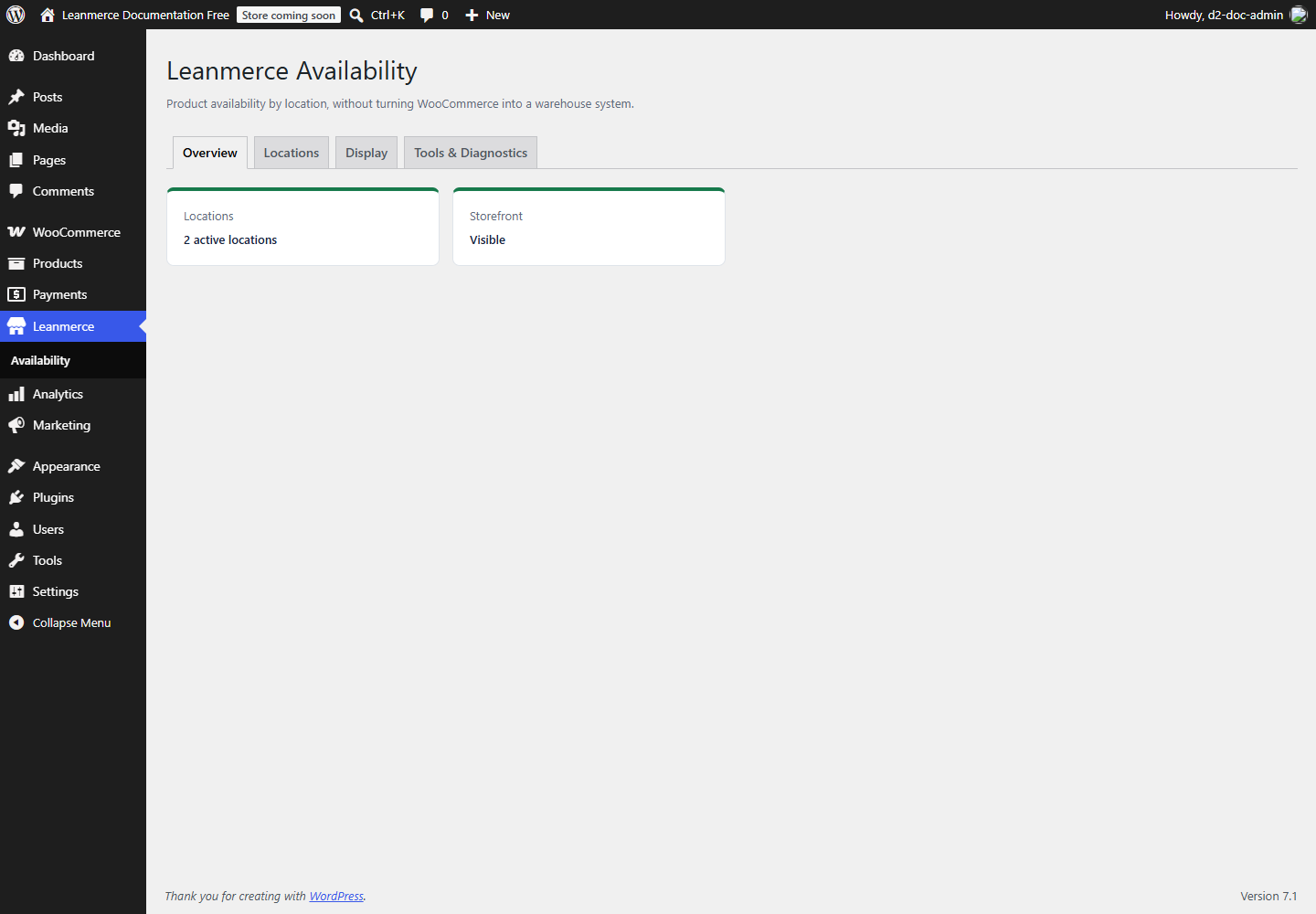
- Back on Overview, confirm 2 active locations, Storefront Visible, and no “Finish setting up” banner.
Skip onboarding and configure manually
- From the first setup screen click Skip setup for now. Confirm no location was created.
- Open Locations, click Add location, enter a name, select how customers use it, keep Active on, choose whether it is public, and save.
- Open Display, review the customer-facing labels, and click Save changes even when defaults are acceptable.
- Return to Overview. Actual saved locations plus saved Display configuration complete setup; the wizard must not be repeated.
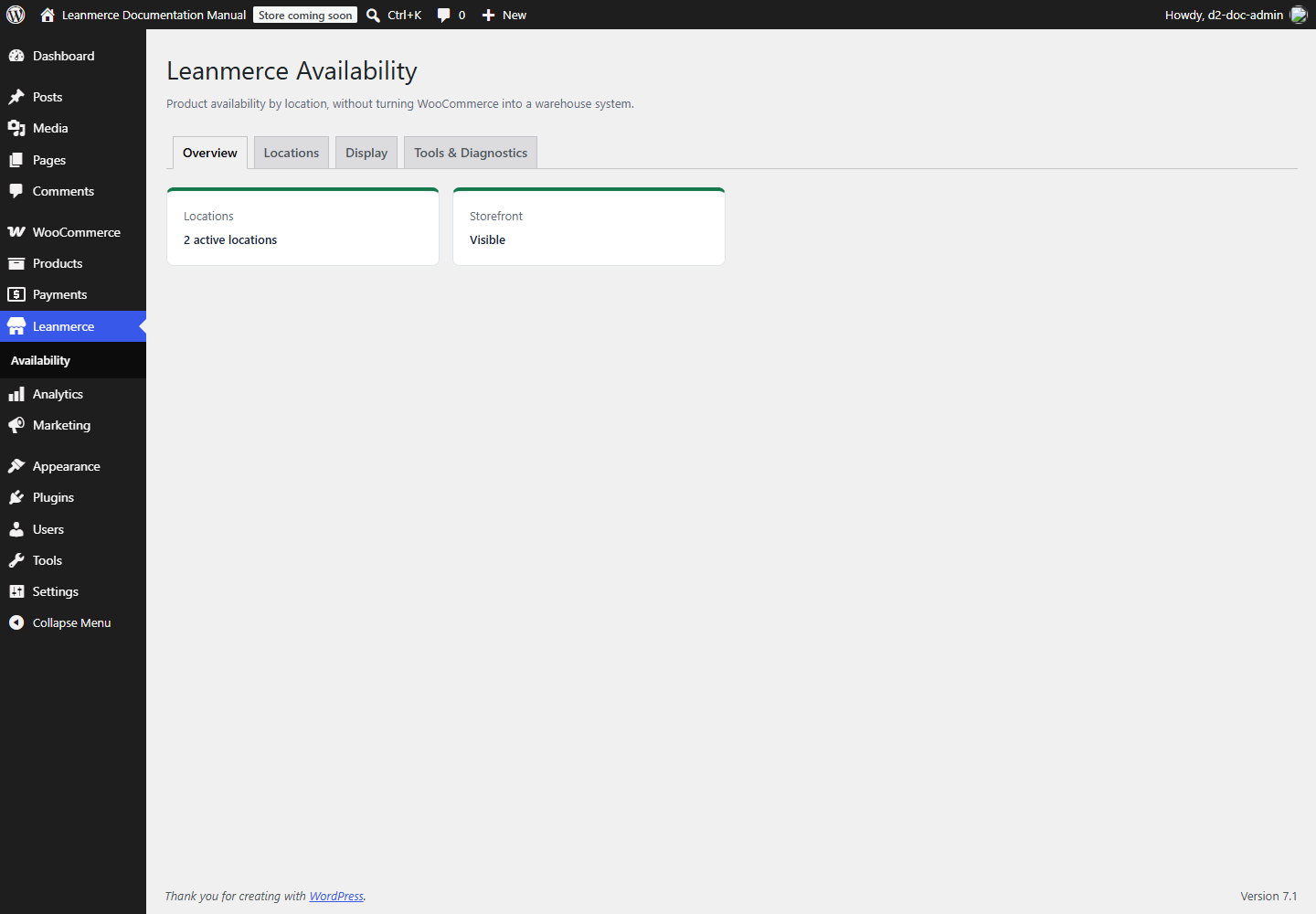
If Overview still offers Continue setup, click it: it should open the next genuinely incomplete step. Record the displayed step before changing more settings.
Produce the first useful storefront result
- Complete Location creation and lifecycle to create the locations.
- Complete Product assignments on a published, in-stock simple product.
- Complete Storefront display and view the product in a private browser window.
- Confirm the location name and availability label match the editor. WooCommerce out-of-stock still wins.