Movements and batches
In Inventory > Movement History, filter by product/SKU and location. A row shows time, product, location, delta/resulting On Hand and reason/reference; order or Batch ID provides provenance.
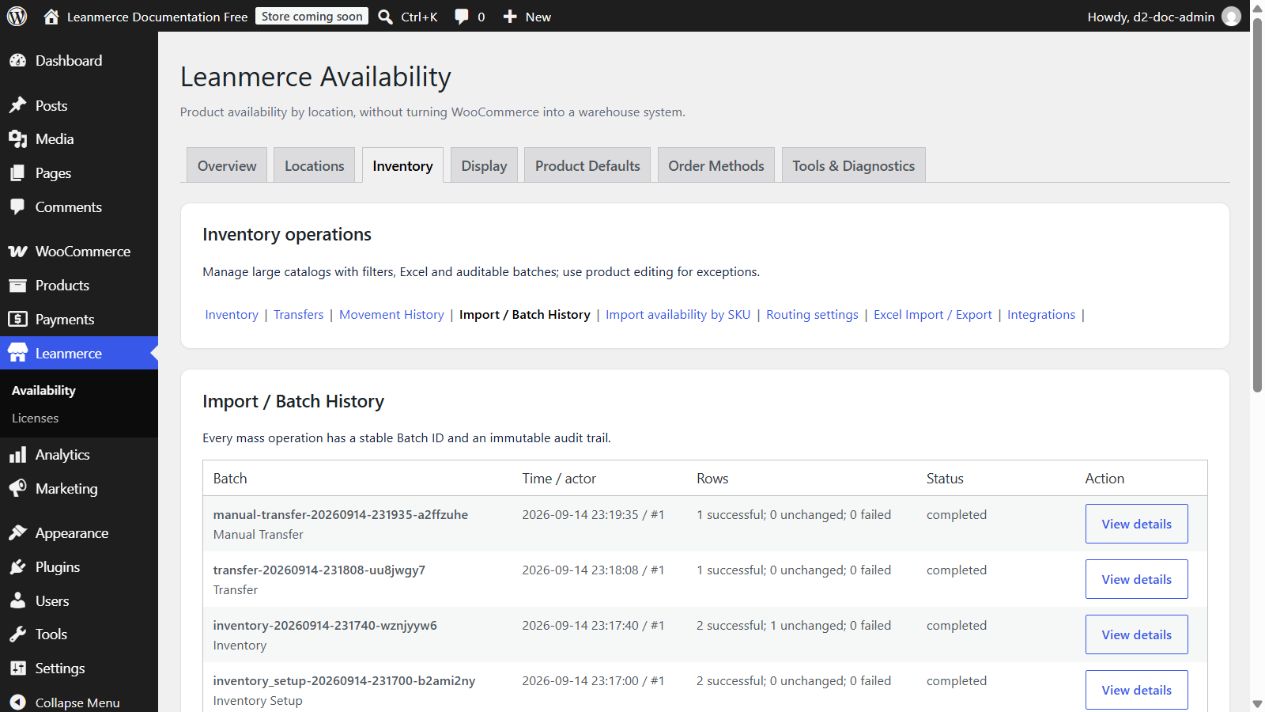
In Inventory > Import / Batch History:
- Find the stable Batch ID and read actor/time, successful, unchanged, failed and status.
- Open View details to inspect before/after rows and download retained source/result files.
previewmeans no writes; queued/processing can be incomplete; completed-with-errors means partial success; cancelled leaves already processed rows; resume appears only for a supported stalled state.- For non-transfer changes click Analyze safe revert. Only current values still equal to batch after-values are safe. Confirming creates a new audited batch; conflicts/missing rows remain unchanged.
Conflict example: a batch changed online Available→Unavailable, then staff changed it back to Available. Analysis reports conflict and will not overwrite that later staff choice.
Exact Pro candidate build redirects a successful Safe Revert or transfer reversal to the created result batch, displays its ID and result counters, clears stale analysis, and creates no batch when analysis has no safe rows. Open Batch History and the affected products/Inventory rows to confirm the actual result. See the preserved history and repair evidence in Safe Revert diagnosis.